
GetMemoriesOut
Download all your Snapchat Memories at once, sorted by date
0 followers · 0 upvotes · DR 0 no change since last check
A web tool that organizes Snapchat Memories export into folders by year with correct dates, captions, and joined videos, all processed locally without uploading
About GetMemoriesOut
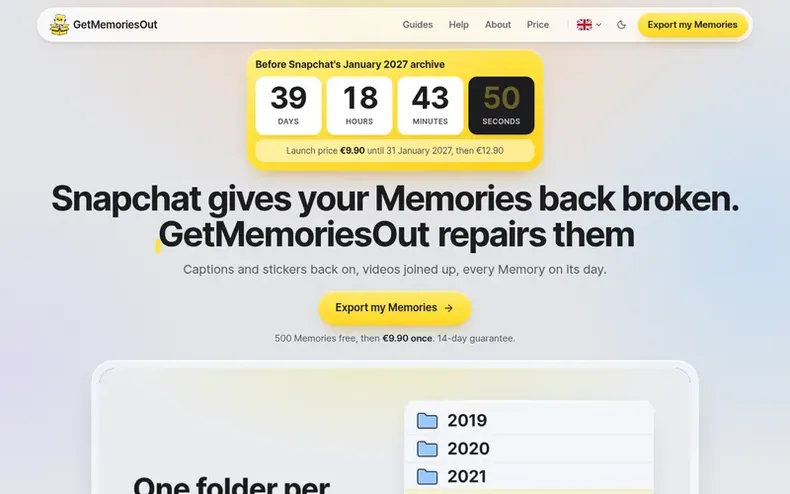
GetMemoriesOut repairs Snapchat's Memories export by organizing scattered ZIP files into folders sorted by year and date. The tool restores captions and stickers to photos, rejoins videos that Snapchat split into 10-second clips, embeds GPS location data, and writes dates into file metadata. Everything happens in your browser on your device—photos and videos never leave your computer or phone. Users can process 500 Memories free to preview the results before paying once to unlock the full export.
- #photoorganization
- #snapchat
- #dataexport
- #videorepair
- #metadatarecovery
- #webtool
- #privacy-focused
In the toolkit
- Organize Memories into folders by year
- Write dates into photo and video metadata
- Rejoin videos split into 10-second clips
- Restore captions and stickers to photos
- Add GPS location data to Memories
- Process files locally in browser without uploading
- Remove exact duplicate files
- Export as organized folder or single ZIP
- Support for Chrome, Edge, Safari, and Firefox
Pricing
Pricing model: Freemium
Free: 500 Memories sorted and dated. Full export: €9.90 (launch price until 31 January 2027, then €12.90) or $9.99 (launch price until 31 January 2027, then $12.99). One-time payment, no subscription, 14-day money-back guarantee.
Community Q&A
QAre my photos and videos safe when using GetMemoriesOut?
From the profile Yes. All processing happens in your browser on your device. Your photos and videos are never uploaded to any server.
QWhat happens if the tool doesn't work on my export?
From the profile If GetMemoriesOut doesn't work on your export, you get your money back. You have 14 days from purchase to request a refund.
QWhat is the free recap and how does it work?
From the profile The free recap lets you preview your Memories before paying. GetMemoriesOut processes 500 Memories from across all your years to show you what the final result will look like. These 500 Memories are saved to your device and yours to keep even if you don't purchase the full export.
QI got several ZIP files. What do I do?
From the profile That's normal: Snapchat splits large exports into several ZIPs. Download all of them to your device, without opening or renaming them. Then drop them all into the tool at once, by drag and drop or with "Choose my ZIPs". A new drop replaces the previous one, so you can't add them a few at a time. The list of your Memories, memories_history.json, is in only one of the ZIPs. A ZIP dropped twice is detected and ignored.
QWhere are my files, and how are they sorted?
From the profile In the folder you picked, one folder per year, each file renamed to its date and time. On a computer and on Android, there is one folder per month inside it: 2023/07/2023-07-14 21-05-33.jpg. JPEG photos and videos get their date in their metadata, and the location when Snapchat provides it. The time is the local time where the Memory was taken when the place is known, otherwise your device's time zone. When a date can't be written into a file, the file is still sorted by its date, and the final screen counts it as "dated from its file name only".
GetMemoriesOut has a free listing. The owner can unlock the full profile with a paid launch for $5:
- Founder story (locked)
- Milestones (locked)
- Demo video (locked)
- Dofollow website link: not on this free listing (its website link is nofollow)